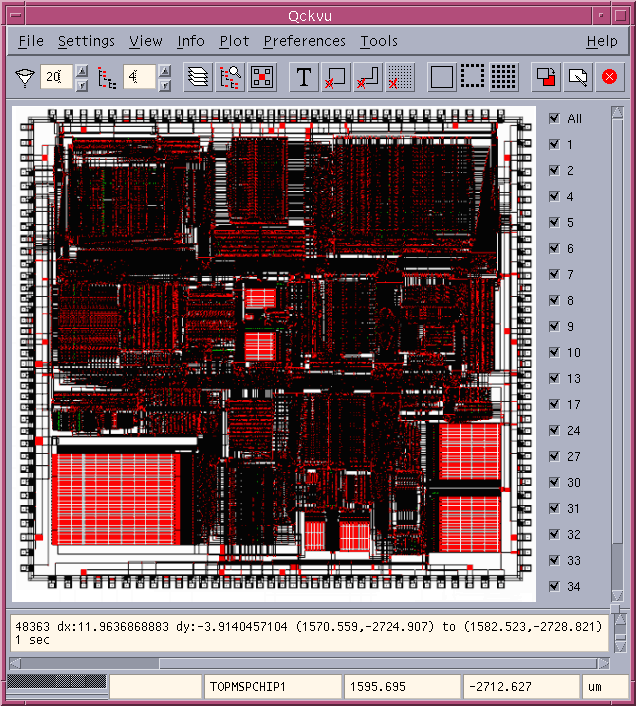
Suppose you need to pull out only a tiny part of a very large chip design for a special analysis. How to do it? Use Qckvu�s new Extract function.
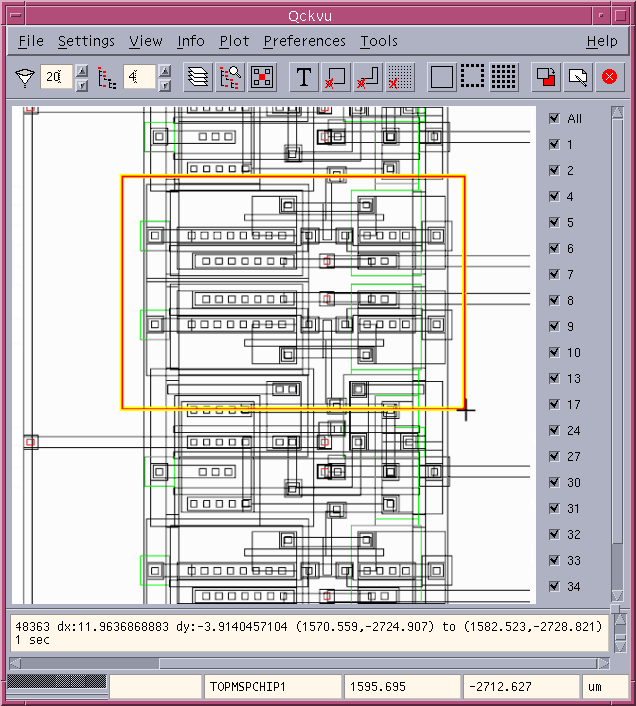
Just zoom into the area you want, turn off the display for anything you don�t want to see and select the Create tool.
With the standard key codes, you will be able to extract a window out of the GDSII file. With our Extract Add on codes, you will be able to extract a polygon out of the GDSII file and also clip the data to the polygon or window edge of your choice.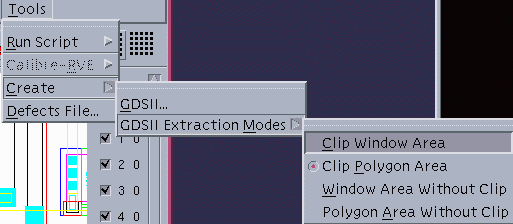
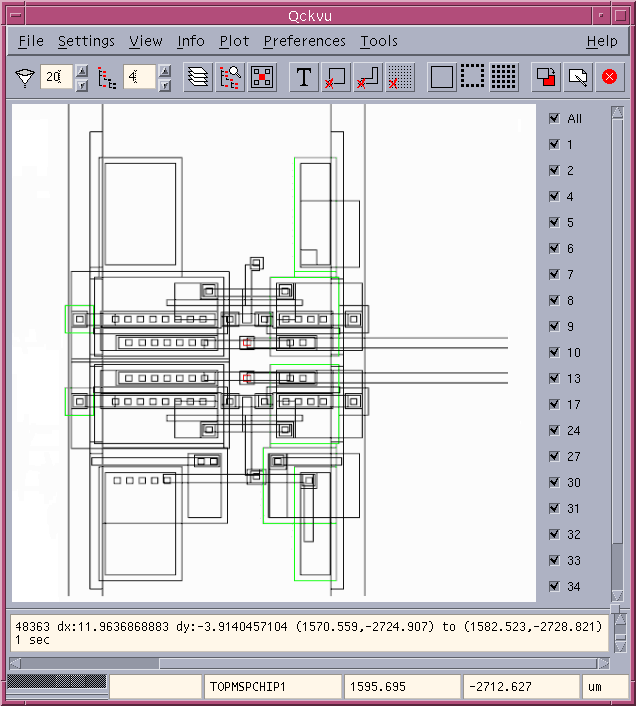
Draw a window on the display. Anything crossing the window gets pulled into a new, smaller GDSII file.